
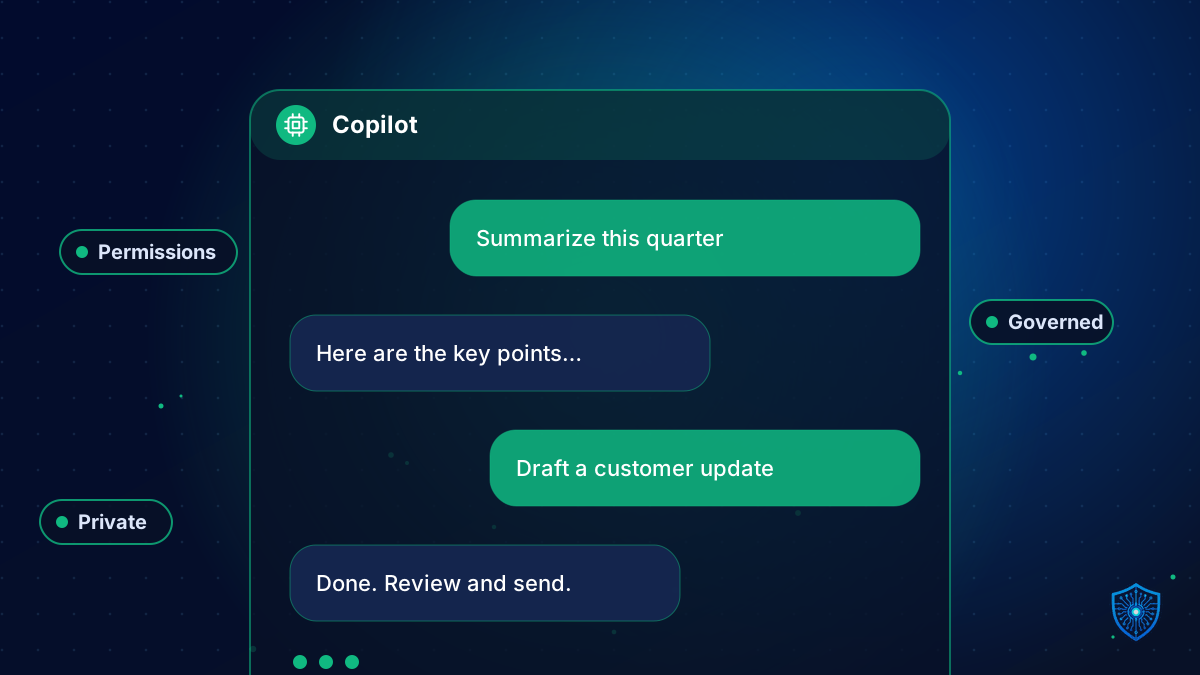
Why Copilot deployments expose permission problems, and a readiness checklist for secure Microsoft 365 Copilot adoption.
Microsoft 365 Copilot can summarize documents, draft emails and answer questions using your organization’s data. That is powerful, and it also means Copilot surfaces anything a user technically has access to, including files that were shared too broadly.
The real risk: oversharing
Years of loosely managed SharePoint sites, Teams and OneDrive folders create situations where employees can access far more than they should. Copilot does not bypass permissions, but it makes overshared content easy to find.
Readiness checklist
- Review permissions. Find broadly shared sites, “everyone” access and stale guest accounts.
- Classify and label data. Apply sensitivity labels to confidential content.
- Enable data loss prevention policies for sensitive information.
- Secure identity. MFA and Conditional Access for all users.
- Clean up content. Archive obsolete data that should not feed answers.
- Define an AI usage policy. What is allowed, what is not, and how outputs must be reviewed.
- Pilot with a small group and gather feedback before wide rollout.
- Train users on prompts, verification and data handling.
- Monitor usage and audit logs.
Measure value
Pick concrete use cases such as meeting summaries, proposal drafts or support responses, and track time saved and quality.
We help organizations deploy safely with our Microsoft Copilot services and AI consulting. Start with the free AI readiness assessment.
AI adoptionCopilot readinessdata governanceMicrosoft 365 Copilot securityMicrosoft Copilot